





Bring your own subscription
Use the Codex, Claude, Cursor or Grok plan you already pay for. VC drives the official CLIs — no API key markup.
Free download · Open source
VC is a minimal GUI for Codex, Claude Code, Cursor, Grok, OpenCode and Antigravity. Bring your own subscription, run it on your machine, drive it from anywhere.
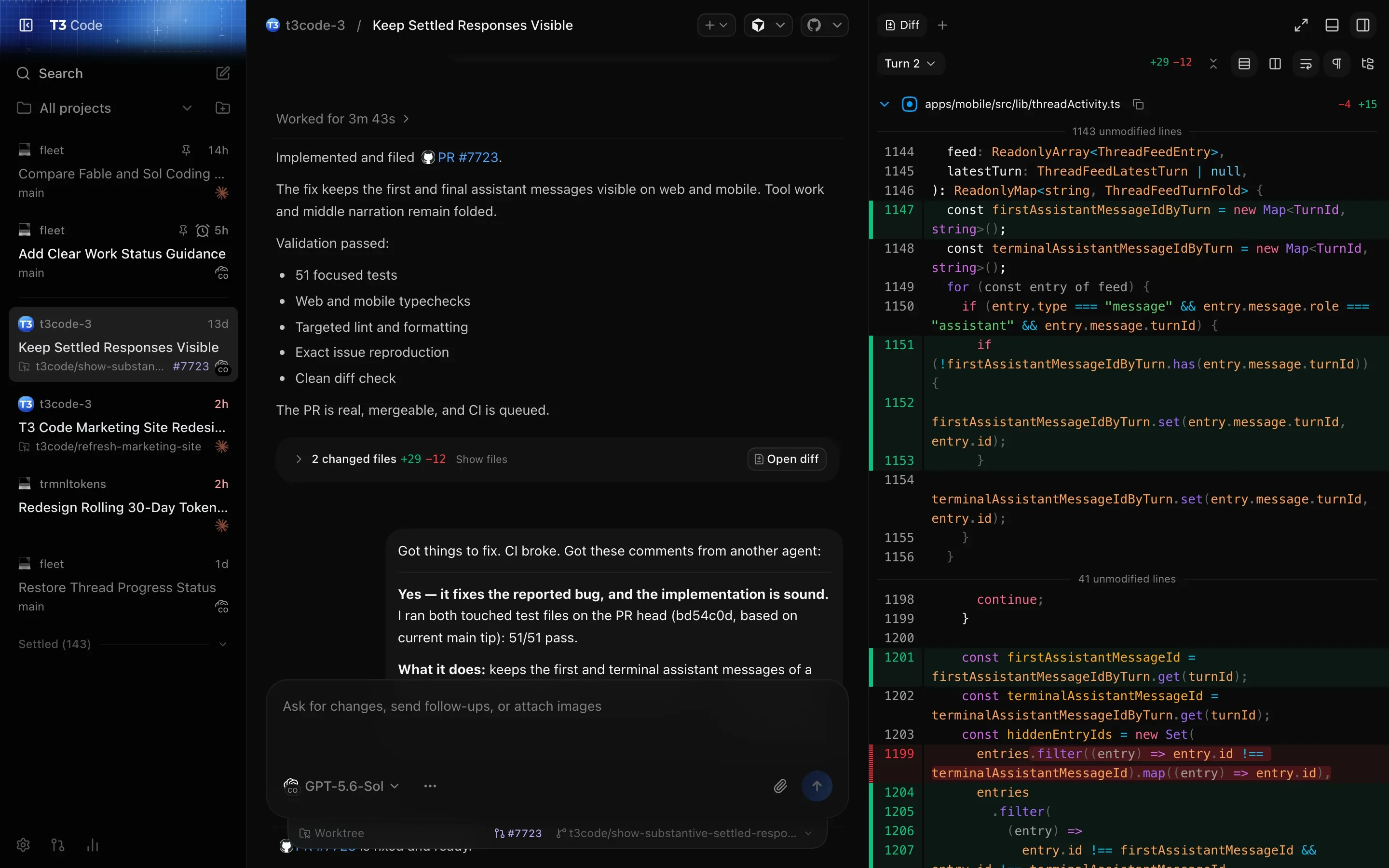
Use the Codex, Claude, Cursor or Grok plan you already pay for. VC drives the official CLIs — no API key markup.
Each turn ends in a hidden git ref. Diff what the agent did, or restore any earlier state in one click.
Connect over your LAN, Tailscale, your own Cloudflare Tunnel or VC Connect. Your machine keeps the code.
Long threads and big diffs stay smooth, with no continuously repainting animations pegging your GPU.
Split work across agents, review their results and accept tasks — with shared memory across the run.
VC is based on T3 Code and keeps its MIT license. Your code stays on machines you control.
A thread per task, in its own worktree when it needs one.
A coordinator with specialist agents, and you reviewing what they deliver.
See exactly what changed and ship it without leaving VC.
The tools around the agent, in panes beside its conversation.
Agents that check their own work in a real browser.
Your machine does the work. Drive it from anywhere.
Know what your agents use, and make VC yours.
Control who and what can reach your environments.
hostInstall VC on the machine that has your code and provider logins, sign in, and host on this computer.
pairReach it from web or your phone through VC Connect, a tunnel or a one-time pairing link.
shipPick a provider, start a thread, review the diff, open the PR.
Tolerated by over 200,000 devs.
 @QuinnyPig
...I don’t have a horse in this race, so believe me when I say VC is freaking transformational.
 @tannerlinsley
I would just use VC at that point and contribute back.
 @ryanrhughes
I think I've finally found the one AI harness to steal me away from the terminal
 @developedbyed
might say alpha but VC is pretty awesome, really fast too
 @RhysSullivan
It takes what I liked so much about codex’s remote setup and improves upon it, it’s a great UX using it on both desktop and mobile
 @DavidKPiano
It's like Claude Code if they didn't vibe-code the entire thing
An app for running coding agents. A small server on your computer drives provider CLIs such as Codex, Claude Code and Cursor, and the desktop, web and mobile apps connect to it so you can follow and steer the work.
It stays on the machine that runs your VC server. Prompts and files you send go to that thread's provider. VC's own services handle only what a feature you enable needs, such as your account or a VC Connect connection.
To host agents from the desktop app, sign in with a VC account. Connecting to an existing server with a pairing link needs no account.
Yes. Agents run on the host, so it has to stay on and reachable. On macOS and Linux, VC runs as a background service, so agents keep working after you close the app.